03 / Beat & Block Studio

Hear the movement.
See the music.

Two directions, one creative conversation: let a song suggest a starting formation, or let choreography shape an instrumental practice track.

A creative exchange

Two ways to
begin.

The workflows described here are Director features; the stage artwork and listening examples on this page are website illustrations, not a live Director session. Sound does not start on its own.

01 / INPUTMusicBPM · downbeat · energy
02 / RESPONSEChoreographyformations · paths · sections

Direction 01   /   Music → Choreography · Director

A song becomes
a starting point.

In the Director, import supported audio, set its BPM and first downbeat, then use Auto-Block Dance From Audio. It drafts dancer paths, formation marks and cue notes from timing and loudness across eight-count phrases. Before replacing the blocking, the Director saves a local “Before auto-block” Version History snapshot; the teacher reviews and adjusts the result.
Direction 02   /   Choreography → Music · Director

The floor shapes
the sound.

The Director’s Beat Maker generates a local procedural instrumental track, with optional scoring from current choreography. It offers 32, 64, 96 or 128 beats (four, eight, twelve or sixteen eight-counts) and exports generated tracks as 44.1 kHz, 16-bit stereo WAV. An imported song cannot be exported as a generated track; use its original file.

THE STAGE / BEAT & BLOCK

Movement has a structure.

Interactive Product Illustration
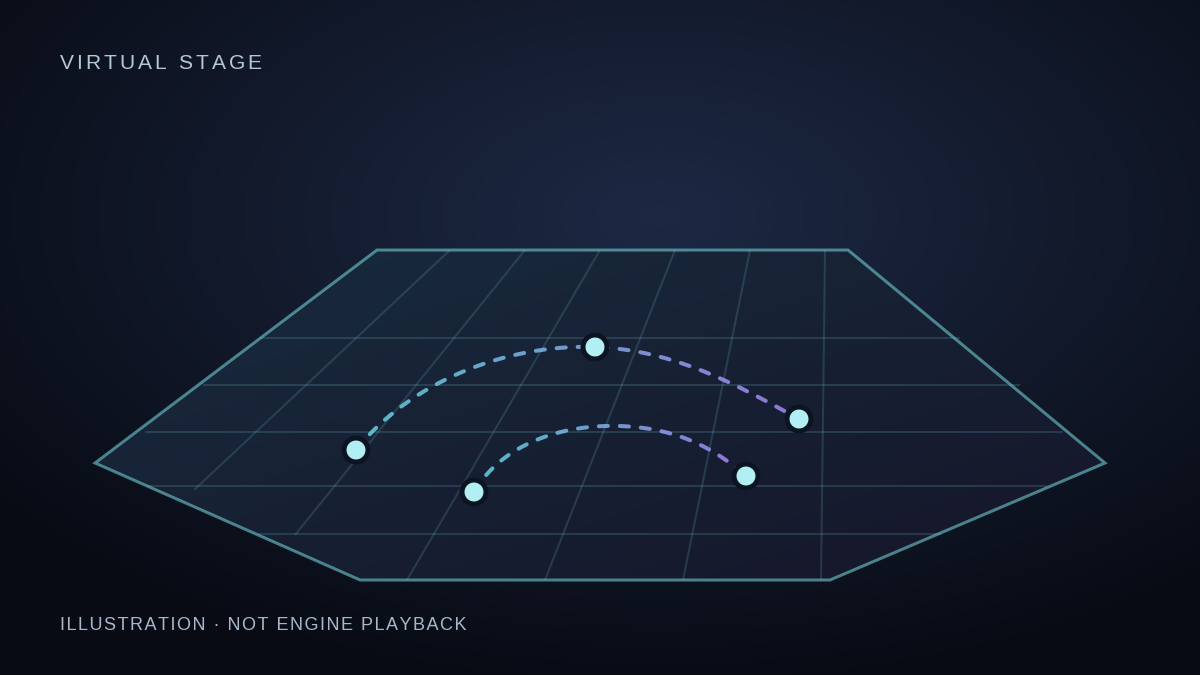
A geometric stage floor with five position markers and curved paths.
Still illustration · not playback
Five dancer roles follow a 64-beat showcase in four sections. The poster suggests positions and paths; it does not show the actual routine.

The still view has no interactive controls. The live stage requires JavaScript, WebAssembly and WebGL. Once it loads, use Tab to reach its controls, arrow keys on the stage to orbit, and the buttons to choose roles and views. Sound does not start automatically. Or read about the two directions.

Listen by choice

A little movement.
A little music.

Hear a fixed, pre-rendered instrumental example generated locally from the synthetic showcase choreography—not from visitor edits. Playback starts only when you choose it.

The audio example requires JavaScript and a supported browser. It is a fixed instrumental illustration generated from the showcase choreography, not an analysis of your song.

Keep the distinction clear

Made locally.
Made to rehearse.

Beat & Block Studio is an offline Director feature—not a cloud prompt-to-song service. Generated practice tracks are instrumental, without vocals or lyrics. Review suitability and permissions for any intended performance separately.

The separate website Auto-Block illustration accepts only an explicitly chosen uncompressed mono or stereo PCM/32-bit-float WAV, up to 40 MiB, 3 minutes and 18 million decoded samples. Enter BPM (30–300) and the first downbeat in whole milliseconds; these are not detected automatically. On Generate, the browser decodes the file locally to create a temporary draft in the illustration. The file is not played, saved as a Director snapshot, persistently stored or transmitted. This website form does not accept MP3 or other compressed audio.

Signed .bchoreo files and Studio Wi-Fi can carry music and recorded voice cues. Public web publishing rejects classes with a song or recorded voice cue; remove the audio before publishing. It does not silently strip attached audio. Rights and permissions remain the owner's responsibility; nothing here grants music rights.

Back to the floor

Plan the details.
Keep the possibility.

Explore Director